Internet access has become a necessity rather than a luxury. However, for many low-income households, affording reliable internet connectivity can be a significant challenge. Fortunately, the government has recognized this need and implemented various programs to provide free or subsidized internet access to eligible individuals and families. One such program is the Lifeline Assistance Program, which offers free government hotspot devices and data plans to qualifying households.
This article will explore five popular options for obtaining a free government hotspot device in 2024. We’ll delve into the details of each program, outlining their services, program advantages, eligibility requirements, and the application process.
Free Government Hotspot Device Complete Guide
Step 1: Determine your eligibility
The first step in obtaining a free government hotspot device is to determine if you meet the eligibility criteria. There are two main ways to qualify:
Income-Based Eligibility: Your household income must be at or below 135% of the federal poverty guidelines.
Program-Based Eligibility: You or someone in your household must participate in one of the following federal assistance programs:
- Supplemental Nutrition Assistance Program (SNAP)
- Medicaid
- Supplemental Security Income (SSI)
- Federal Public Housing Assistance (FPHA)
- Veterans Pension and Survivors Benefit
You only need to meet one of these two criteria to be eligible for the Lifeline Assistance Program.
Step 2: Gather the required documentation
After confirming your eligibility, you’ll need to gather the necessary documentation to prove it. Typically, this includes:
- Proof of income (e.g., pay stubs, tax returns, or government assistance program documents)
- Proof of participation in a qualifying federal assistance program, if applicable
- Proof of address (e.g., utility bill, rental agreement)
- Government-issued ID (e.g., driver’s license, passport)
Step 3: Explore available programs and providers
Several service providers participate in the Lifeline Assistance Program and offer free hotspot devices.Research each provider’s offerings, including the specific hotspot device models, monthly data allowances, and any additional features or limitations. Compare the options to find the one that best suits your needs.
Step 4: Submit your application
Once you’ve chosen a provider, it’s time to apply for the free hotspot device. Here’s how:
- Visit the provider’s website and locate the Lifeline Assistance Program application.
- Complete the online application, providing your personal information, household details, and proof of eligibility.
- Upload or submit the required documentation as requested.
- Review and submit your completed application.
Step 5: Wait for approval and device delivery
After submitting your application, the provider will review your information and documentation to determine your eligibility. If approved, you will receive a notification and instructions on how to obtain your free hotspot device.
Typically, the provider will ship the device directly to your home address. Once received, follow the included instructions to activate your data plan and start using your free government hotspot device.
Top 5 Free Government Hotspot Device in 2024
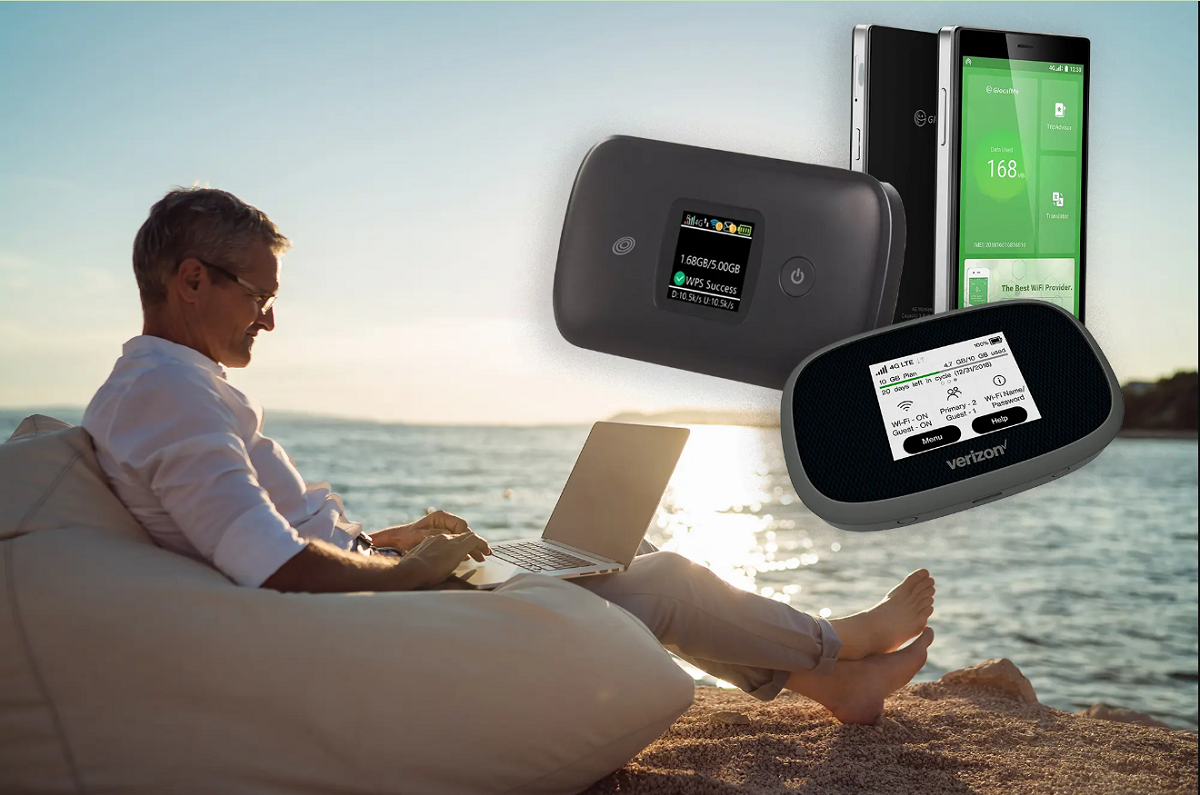
1. TruConnect
TruConnect offers a free hotspot device and a monthly data allowance for eligible households. The hotspot device allows users to connect multiple devices to the internet, making it a convenient solution for families or individuals with multiple devices. With TruConnect’s service, users can stay connected on-the-go, enabling access to online resources, educational materials, and communication tools essential for personal and professional growth.
Program Advantages:
- Free hotspot device with no upfront costs
- Monthly data allowance for internet connectivity
- No annual contract, ensuring flexibility and commitment-free access
- Nationwide coverage, allowing users to stay connected across the country
Eligibility Requirements:
- Household income at or below 135% of the federal poverty guidelines
- Participation in certain government assistance programs, such as Medicaid, Supplemental Nutrition Assistance Program (SNAP), or Supplemental Security Income (SSI)
How to Apply:
- Visit the TruConnect website (www.truconnect.com) and navigate to the application page.
- Provide the required personal and household information, including contact details, income information, and participation in government assistance programs.
- Submit proof of eligibility, such as government assistance program documents, income statements, or other relevant documentation.
- Upon approval, you’ll receive a free hotspot device and instructions for activating your data plan, allowing you to start enjoying reliable internet connectivity immediately.
2. Boost Mobile
Boost Mobile offers a free hotspot device and a monthly data allowance to eligible households. The hotspot device can be used to connect multiple devices to the internet, making it a convenient option for families or individuals with multiple devices. With Boost Mobile’s service, users can stay connected to the digital world, enabling access to online resources, educational materials, and communication tools essential for personal and professional growth.
Program Advantages:
- Free hotspot device with no upfront costs
- Monthly data allowance for internet connectivity
- No annual contract, ensuring flexibility and commitment-free access
- Nationwide coverage, allowing users to stay connected across the country
Eligibility Requirements:
- Household income at or below 135% of the federal poverty guidelines
- Participation in certain government assistance programs, such as Medicaid, Supplemental Nutrition Assistance Program (SNAP), or Supplemental Security Income (SSI)
How to Apply:
- Visit the Boost Mobile website (www.boostmobile.com) and navigate to the Lifeline Assistance Program page.
- Provide the required personal and household information, including contact details, income information, and participation in government assistance programs.
- Submit proof of eligibility, such as government assistance program documents, income statements, or other relevant documentation.
- Upon approval, you’ll receive a free hotspot device and instructions for activating your data plan, allowing you to start enjoying reliable internet connectivity immediately.
3. Qlink Wireless
Qlink Wireless offers a free hotspot device and a monthly data allowance to eligible households. The hotspot device allows users to connect multiple devices to the internet, making it a convenient solution for families or individuals with multiple devices. With Qlink Wireless’s service, users can access online resources, educational materials, and communication tools essential for personal and professional growth, ensuring they are not left behind in the digital age.
Program Advantages:
- Free hotspot device with no upfront costs
- Monthly data allowance for internet connectivity
- No annual contract, ensuring flexibility and commitment-free access
- Nationwide coverage, allowing users to stay connected across the country
Eligibility Requirements:
- Household income at or below 135% of the federal poverty guidelines
- Participation in certain government assistance programs, such as Medicaid, Supplemental Nutrition Assistance Program (SNAP), or Supplemental Security Income (SSI)
How to Apply:
- Visit the Qlink Wireless website (www.qlinkwireless.com) and navigate to the application page.
- Provide the required personal and household information, including contact details, income information, and participation in government assistance programs.
- Submit proof of eligibility, such as government assistance program documents, income statements, or other relevant documentation.
- Upon approval, you’ll receive a free hotspot device and instructions for activating your data plan, allowing you to start enjoying reliable internet connectivity immediately.
4. Access Wireless
Access Wireless offers a free hotspot device and a monthly data allowance to eligible households. The hotspot device can be used to connect multiple devices to the internet, making it a convenient option for families or individuals with multiple devices. With Access Wireless’s service, users can stay connected to the digital world, enabling access to online resources, educational materials, and communication tools essential for personal and professional growth.
Program Advantages:
- Free hotspot device with no upfront costs
- Monthly data allowance for internet connectivity
- No annual contract, ensuring flexibility and commitment-free access
- Nationwide coverage, allowing users to stay connected across the country
Eligibility Requirements:
- Household income at or below 135% of the federal poverty guidelines
- Participation in certain government assistance programs, such as Medicaid, Supplemental Nutrition Assistance Program (SNAP), or Supplemental Security Income (SSI)
How to Apply:
- Visit the Access Wireless website (www.accesswireless.com) and navigate to the application page.
- Provide the required personal and household information, including contact details, income information, and participation in government assistance programs.
- Submit proof of eligibility, such as government assistance program documents, income statements, or other relevant documentation.
- Upon approval, you’ll receive a free hotspot device and instructions for activating your data plan, allowing you to start enjoying reliable internet connectivity immediately.
5. Standup Wireless
Standup Wireless offers a free hotspot device and a monthly data allowance to eligible households. The hotspot device allows users to connect multiple devices to the internet, making it a convenient solution for families or individuals with multiple devices. With Standup Wireless’s service, users can access online resources, educational materials, and communication tools essential for personal and professional growth, ensuring they are not left behind in the digital age.
Program Advantages:
- Free hotspot device with no upfront costs
- Monthly data allowance for internet connectivity
- No annual contract, ensuring flexibility and commitment-free access
- Nationwide coverage, allowing users to stay connected across the country
Eligibility Requirements:
- Household income at or below 135% of the federal poverty guidelines
- Participation in certain government assistance programs, such as Medicaid, Supplemental Nutrition Assistance Program (SNAP),
How to Apply:
- Visit the Standup Wireless website (www.standupwireless.com) and navigate to the application page.
- Provide the required personal and household information, including contact details, income information, and participation in government assistance programs.
- Submit proof of eligibility, such as government assistance program documents, income statements, or other relevant documentation.
- Upon approval, you’ll receive a free hotspot device and instructions for activating your data plan, allowing you to start enjoying reliable internet connectivity immediately.
Here are some FAQ about free government hotspot devices
What is the typical data allowance provided with free government hotspot devices?
Most free government hotspot plans through the Lifeline Assistance program provide between 3GB – 12GB of high-speed data per month. The exact allowance varies by provider, but it is designed to cover basic internet needs like browsing, email, and some streaming.
Can multiple household members get separate free hotspot devices?
No, the Lifeline Assistance program rules only allow one free device or service per household. If multiple people in one home qualify and get approved, they would have to share the single hotspot device provided.
Do you have to renew or reapply for the free hotspot program annually?
While you don’t have to reapply from scratch each year, providers do require an annual re-certification to verify your household still meets the income qualifications. As long as you remain eligible, your free service can continue renewing annually.
What happens if you exceed the monthly data cap on the free hotspot plan?
Most providers will severely throttle your data speeds once you hit the monthly allowance cap rather than charging overage fees. This would make the hotspot nearly unusable until your next service period starts.
Can you use the free government hotspot devices for operating a small business?
No, the Terms of Service restrict using the free Lifeline data plans for operating any sort of commercial enterprise or business. They are intended strictly for personal, household use only.
How long does the application review process typically take?
For most providers, applications for the free hotspot benefit are reviewed within 30-90 days assuming you submit all required documentation proving eligibility. Incomplete applications can take even longer to process.
Can you purchase a higher data cap or improve your free hotspot plan?
No, the program rules prohibit paying to upgrade or add on to the base free service plan provided. You can only receive the standard free device and data package offered based on your qualification.
Do damaged or lost hotspot devices get replaced for free?
Most providers will replace a damaged, defective, lost or stolen hotspot device once for free after you pay a processing fee around $20-40. But subsequent replacements may require paying full cost for a new device.
Can you switch which provider you receive the free hotspot service from?
Yes, if you’re already receiving a free hotspot device from one provider, you can qualify to switch to a different provider’s plan during the annual re-certification. But you cannot have two active services at once.
Do credits or data rollover if you don’t use your full monthly free data cap?
No, the free Lifeline data buckets do not roll over month-to-month in almost all cases. Any unused high-speed data expires at the end of the service period and does not carry forward.